Jimlet Pro
Our flagship version, for power users.
Everything in Jimlet Standard, plus:
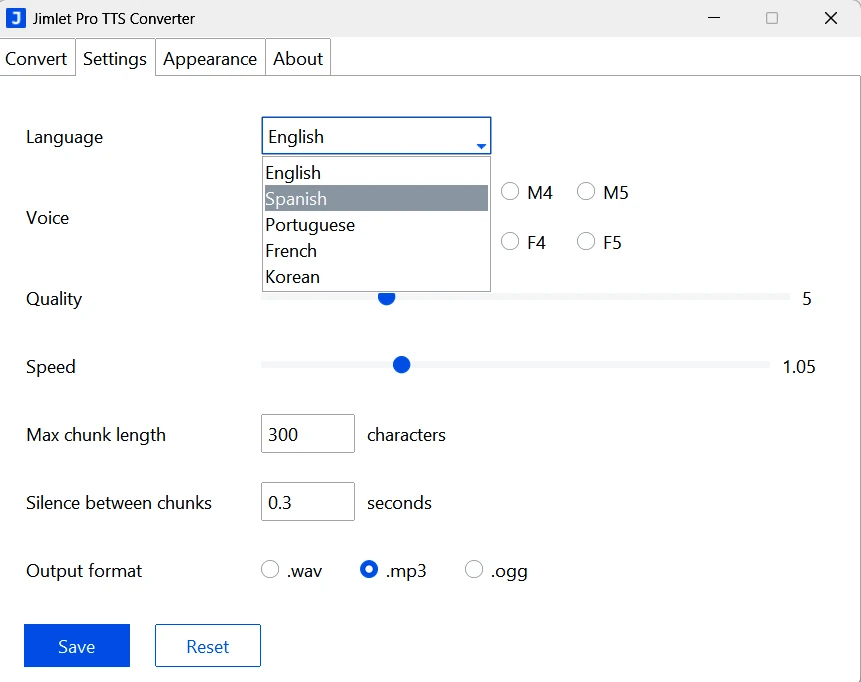
- Multilingual support
- Commercial use
- Latest TTS Engine
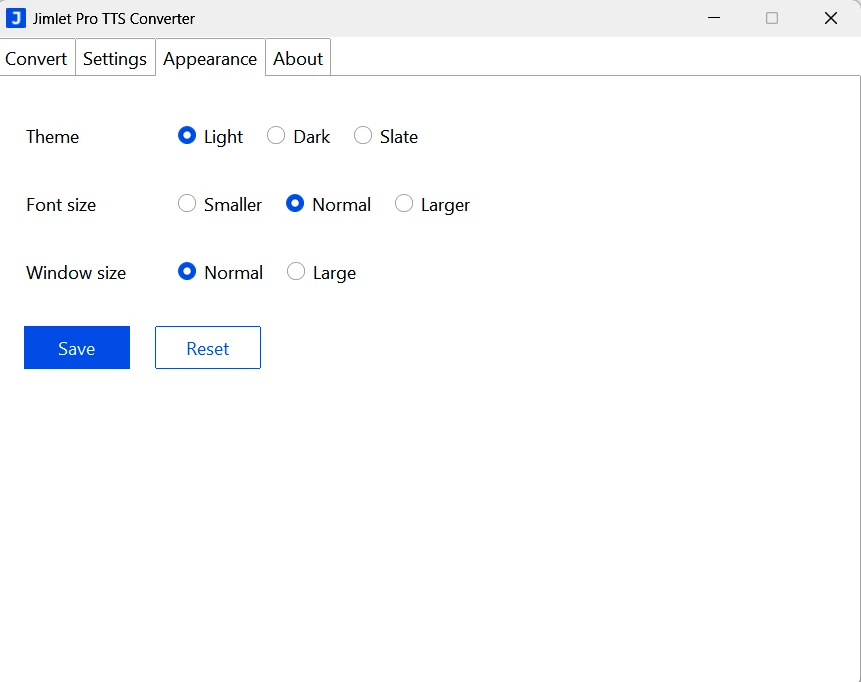
- UI Themes
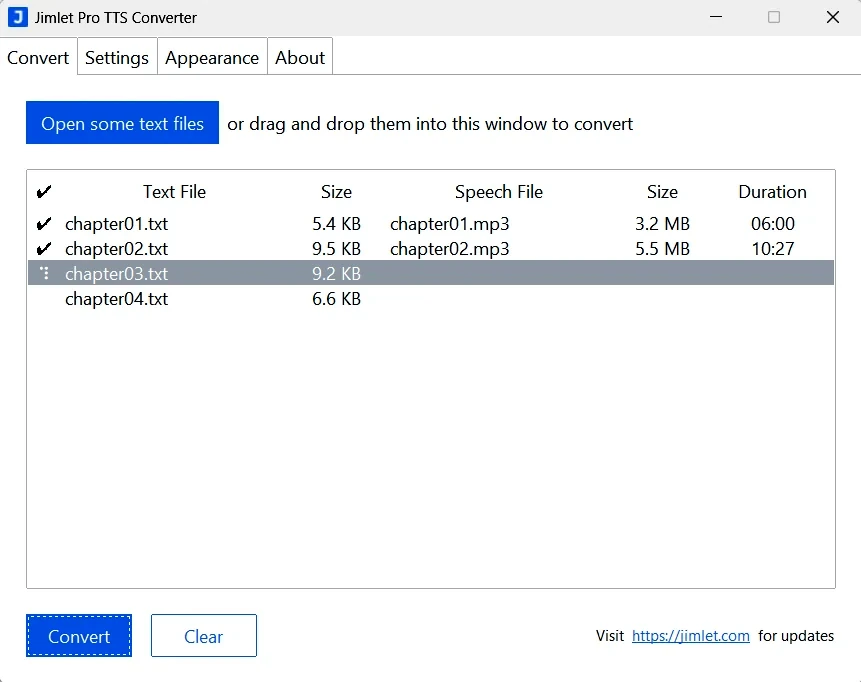
- MP3 and OGG output
Buy for $19
(one-time purchase)
Advanced features
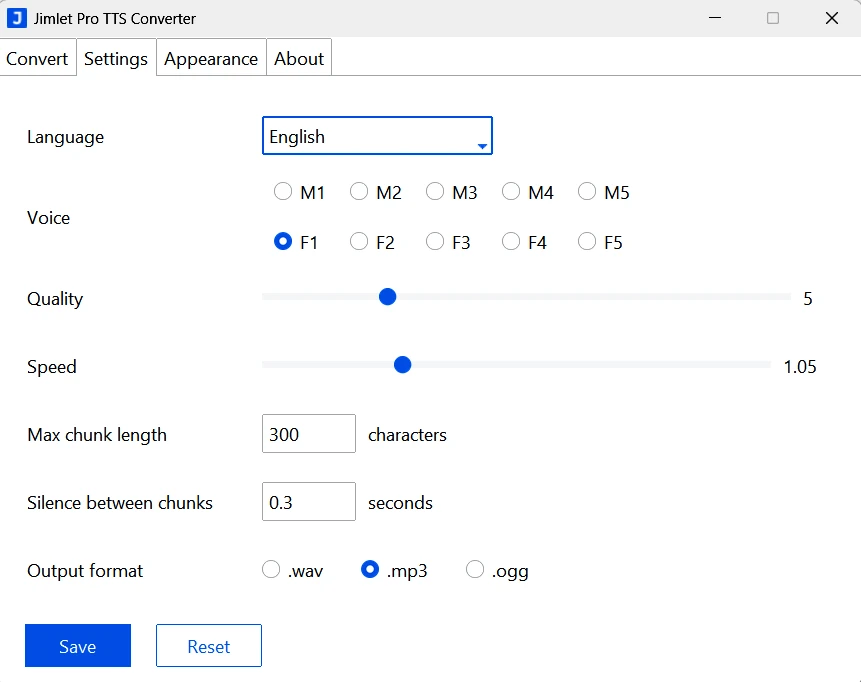
- Multilingual support Generate speech in multiple languages. English, French, Spanish, Portugues and Korean are now supported.
- Commercial use Use the generated audio in paid products, client work, videos, and other commercial projects.
- Latest TTS Engine Built on the newest multilingual speech engine, delivering more natural intonation, pacing, and clarity across languages.
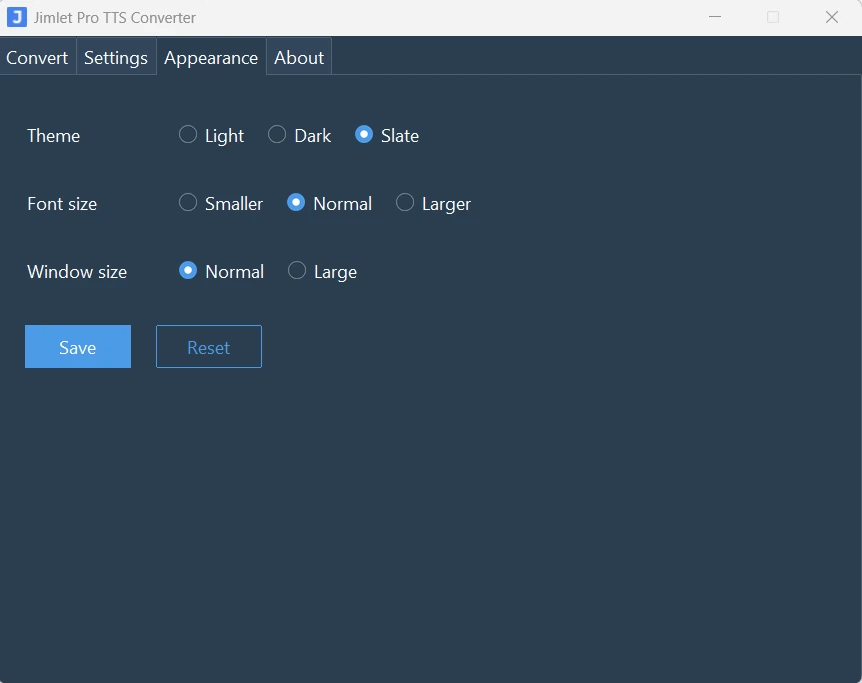
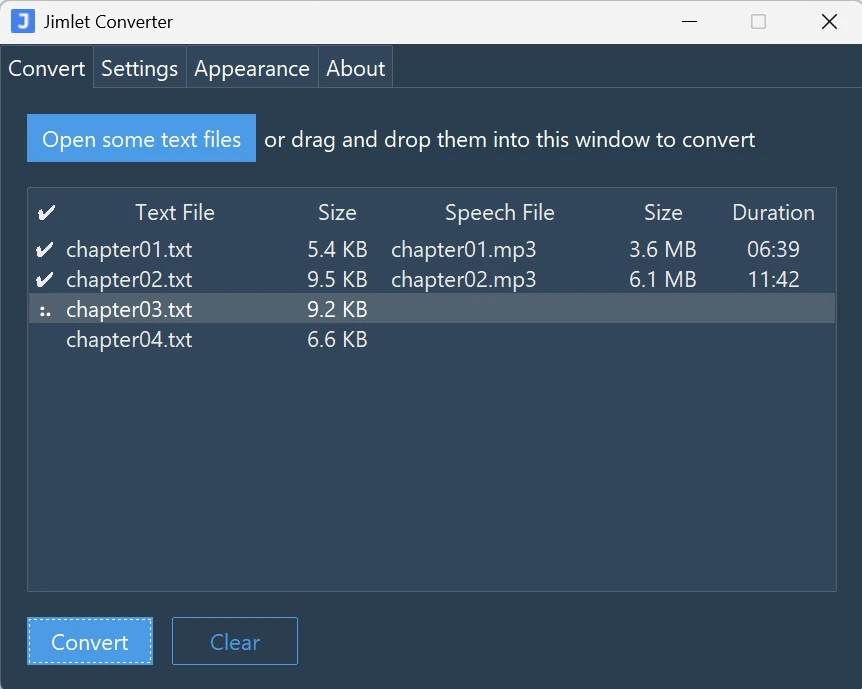
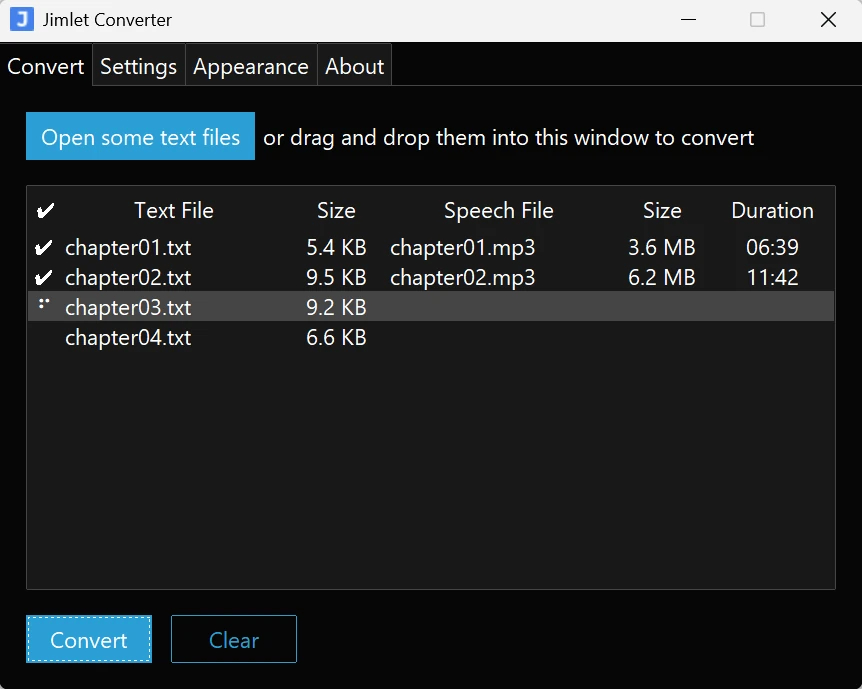
- UI Themes Choose from three visual themes (light, dark, and slate) to match your environment and follow your personal taste.
- MP3 and OGG output Create speech audio in MP3 or OGG formats, producing small files ready for web, video, or distribution without an additional conversion step.
Voices
There are 5 male and 5 female voices available. All voices are now multilingual and available in all 5 languages.
To keep this page simple, the samples below use Male 1 and Female 1 across all languages.
The same can be done with the other voices as well.
| Male 1 | Female 1 | ||
|---|---|---|---|
| English | English | ||
| French | French | ||
| Spanish | Spanish | ||
| Portuguese | Portuguese | ||
| Korean | Korean | ||